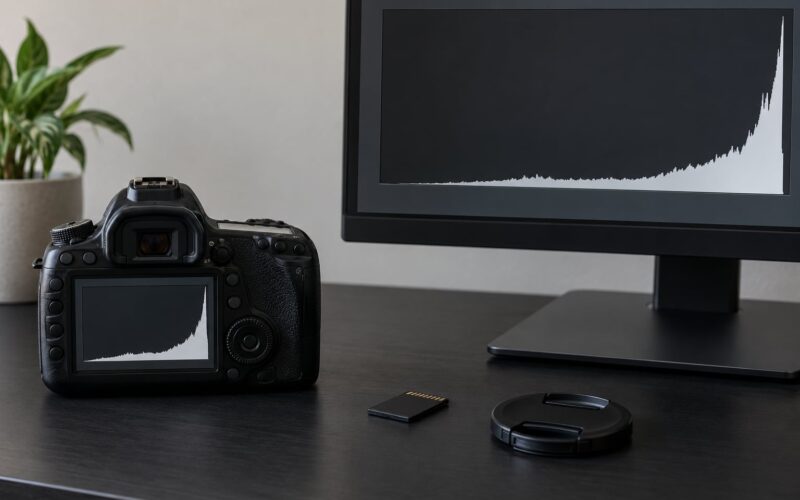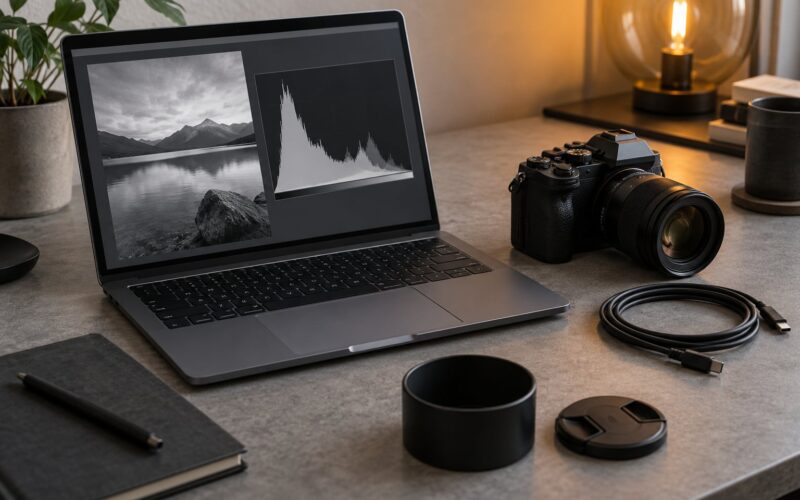
If you edit your photos, shoot RAW. If you want to hand a finished frame to a client, post a picture, or fill a card with a wedding in it, shoot JPEG. Many working shooters record both at once and decide later.
That is the honest answer, and the rest of this guide is the detail behind it: what each format actually stores, where the quality difference shows up, how to change the setting on your camera, and how much storage each one costs you.
Table of Contents
- How to Shoot Raw vs JPEG at a Glance
- What Is RAW and What Is JPEG?
- RAW vs JPEG Image Quality
- Why do my RAW files look flat compared to the JPEG on the same card?
- RAW vs JPEG Editing Flexibility
- RAW vs JPEG File Size and Storage
- How to Shoot Raw vs JPEG in Your Camera
- Canon
- Nikon
- Sony
- Fujifilm
- How to shoot both formats at once
- Which RAW format does your camera write?
- RAW vs JPEG for Different Photography Workflows
- Which Should You Choose?
- Frequently Asked Questions
- Is RAW always better than JPEG?
- Do professional photographers shoot RAW or JPEG?
- Can you edit a JPEG and still get good results?
- Does RAW produce better images without editing?
- How do I know which format your camera is shooting?
- Is it better to shoot RAW and JPEG at the same time?
- What to Do First
How to Shoot Raw vs JPEG at a Glance
Here is the whole comparison on one page. Nothing below the table contradicts anything above it.
| Factor | RAW | JPEG |
|---|---|---|
| What the file is | Unprocessed sensor data, a digital negative that needs software to become an image | A finished image the camera already rendered and compressed |
| Color depth | Usually 12-bit or 14-bit per channel | 8-bit per channel |
| Dynamic range captured | Full sensor range, so highlights and shadows stay recoverable | Whatever survives the camera render and compression |
| Processing applied before you see it | None, apart from lens correction data recorded in the file | Picture style, contrast, sharpening, saturation, noise reduction |
| White balance | Set in software, change it freely later | Baked in, only small corrections possible |
| Exposure latitude | Roughly 3 to 4 stops either side of the meter reading in most scenes | About 1 stop before highlights clip or shadows block up |
| Typical file size | 25 to 50 MB at 24 to 45 MP | 5 to 12 MB at the same resolution |
| Burst rate | Slower, the buffer fills faster | Faster, longer sequences before the buffer stalls |
| Share straight from the card | Not practical, it has to be converted first | Instant, open and send |
| Editing software needed | Lightroom, Capture One, darktable, Affinity Photo or similar | Anything, including a phone |
| Suits | Portraits, commercial work, hard light, large prints, astro | Street, events, sports, travel, family snapshots, fast delivery |
What Is RAW and What Is JPEG?
RAW is what your sensor recorded, kept as close to untouched as a camera file can get. The sensor reads light as a mosaic of red, green and blue filters over each pixel, and a RAW file stores that mosaic along with the exposure data needed to rebuild full color later.
Because the picture has not been built yet, something else has to build it. That is the raw converter inside your editing software, and the step where the mosaic is interpreted is called demosaicing.
JPEG is the opposite. Your camera takes the same sensor data and, before saving, reconstructs the image, applies the picture style you chose, and compresses it to roughly a tenth of the size by throwing away information the eye is least likely to miss.
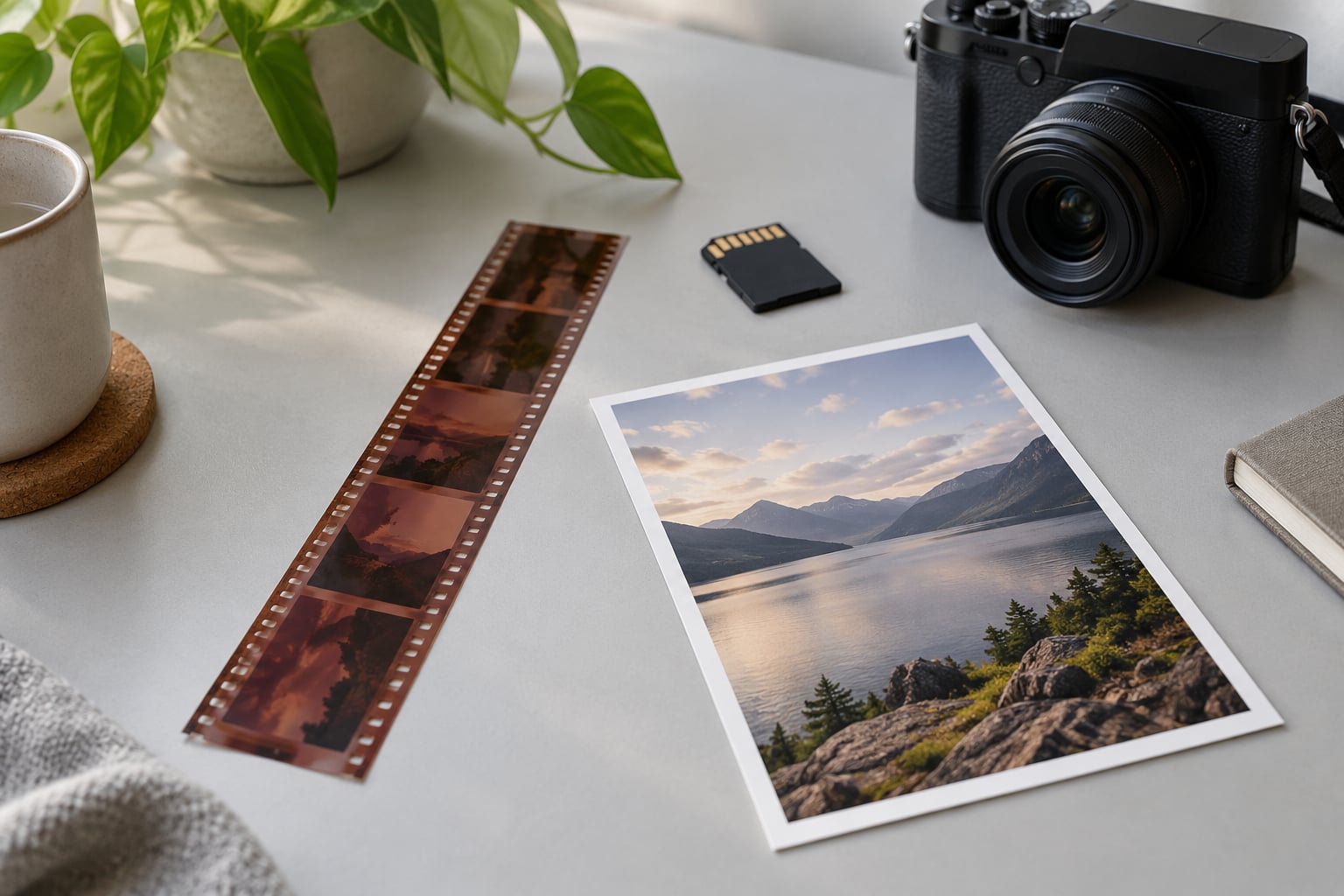
The film comparison still works better than any tech analogy. A JPEG is a finished print. A RAW file is the negative, and the print has not been made yet.
One detail that confuses beginners: RAW is not always a larger version of the same thing. A 45 MP RAW file and a 45 MP JPEG hold the same number of pixels, but the JPEG throws most of the tonal and color data away while keeping the file small.
RAW vs JPEG Image Quality
RAW holds more information, so it gives you more room later. It does not give you a better-looking picture on its own, and this is where most arguments about the two formats go wrong.
Highlight and shadow recovery is the clearest win. Photograph a sunset with the sun in frame and the sky blows out to white in a JPEG, permanently. The same frame in RAW usually keeps colour in those highlights, so you can pull the sky back in software and still have something to grade.
The same goes the other way. A portrait shot against a bright wall loses hair detail and jacket texture in the shadows on a JPEG, while RAW holds most of it.
Color accuracy works differently. A JPEG is finished by the camera using a picture style, so its colour is a matter of taste built into the file. RAW has no color at all until software assigns it, which sounds worse than it is: you pick white balance, tone and colour on a neutral starting point instead of trying to unpick baked-in decisions.
Why do my RAW files look flat compared to the JPEG on the same card?
Because they are supposed to. The camera applies contrast, saturation and sharpening to the JPEG before saving it, so it looks punchy in the preview. The RAW file holds the flat measurements with none of that applied. That flatness is headroom, not a defect.
A user on r/canon put it plainly: the JPEG should almost always look better out of camera, because the camera already added contrast, sharpness and saturation based on the shooting settings. If your RAW looks worse and that bothers you, your picture style settings are usually the reason.
RAW vs JPEG Editing Flexibility
RAW lets you change your mind about exposure, white balance and color after the fact, non-destructively, and keep every adjustment reversible. A JPEG gives you a fraction of that room. Brighten a JPEG two stops and you will see banding and noise. A JPEG white balance is a tint you nudge, not a setting you reset.
That flexibility costs time. A RAW workflow means culling, developing, and exporting, and a paid session can turn into an evening of grading. A JPEG workflow ends at the camera.
So the honest trade is room against hours. If you have never opened editing software, shooting RAW buys you options you may not use. If you shoot in bad light and need those options, RAW is not optional.
On a related note, the fix for a shot you got wrong is often simple. Too dark in a JPEG means less latitude than you hoped, but modern editing software can lift a fairly decent amount before quality falls apart. Blown highlights are the exception, and those are gone for good.
RAW vs JPEG File Size and Storage
RAW files land somewhere between 25 and 50 MB on a modern 24 to 45 MP camera, depending on resolution and whether you choose compressed or uncompressed RAW. A high quality JPEG at the same resolution is usually 5 to 12 MB.
That is the storage math nobody puts in articles, so here it is. Approximate numbers only, since file sizes vary by body and setting:
| Card size | RAW files | High quality JPEGs | RAW plus JPEG |
|---|---|---|---|
| 64 GB | Around 1,500 | Around 7,000 | Around 1,000 |
| 128 GB | Around 3,000 | Around 14,000 | Around 2,000 |
| 256 GB | Around 6,000 | Around 28,000 | Around 4,000 |
Two other costs come with RAW besides card space. Files take longer to write, so a long burst fills the buffer sooner and the camera slows down. And a shoot is now a data job, which means backups before you format anything.
Nobody ever lost a shoot because a card was too small. People have lost shoots because they were lazy about the second copy.
How to Shoot Raw vs JPEG in Your Camera
Every brand calls this something slightly different, but the path is the same: find the image quality or file format menu, choose the recording option, and confirm it took. Wording varies by model year, so read the menu labels that match your body.
Canon
Press the Menu button, go to the first red tab (shooting settings), then Image quality. Set it to RAW only, JPEG only, or RAW + JPEG. The recordable frame count on the top LCD or in the rear display updates as you scroll, which is the quickest confirmation it worked.
Nikon
Open the menu with the Menu button, go to the shooting menu (the camera icon), and find Image quality. Options include NEF, NEF + JPEG, and JPEG. To also control JPEG compression and size, go to the Custom menu, Image quality, sub-menu.
Sony
Turn the dial to the shooting menu, select File Format, then RAW File Type for which RAW flavor to write, and File Settings to choose RAW, JPEG, or RAW + JPEG. Sony also offers compressed RAW, which cuts file size with no visible quality cost for most work.
Fujifilm
Open the menu, move to the shooting tab, and select Image quality. You get options like RAW, JPEG, or RAW + JPEG. Fujifilm also lets you record JPEG simultaneously to a second card on bodies with two slots.
How to shoot both formats at once
Two ways. The first is the menu setting above: pick RAW + JPEG and the camera writes both files for every frame, which doubles file count and can slow the burst.
The second is dual card slots, and it is the setup working photographers actually use. Put JPEG on one card and RAW on the other. One comment in the fstoppers thread described it exactly: if the JPEG is good enough you keep it, and if not you have the negative to work with. Another shooter in the same thread uses the JPEG card to upload to a tablet on the road, which is a real workflow rather than theory.
Whichever way you do it, check the playback screen. The icon next to the frame number tells you what was recorded, and a quick test frame beats a guess.
Which RAW format does your camera write?
Canon writes CR2 or CR3, Nikon NEF, Sony ARW, Fujifilm RAF, and some cameras can write DNG. The name changes, the content does not. Any recent editing software opens all of them, so there is no reason to shop for a file format.
RAW vs JPEG for Different Photography Workflows
Portraits and weddings: RAW. Skin tones, backlit windows and tricky indoor light are exactly where extra latitude pays off, and clients pay for prints. A user on r/sportsphotography framed the rule well, RAW for the special photos that need to look their best or for big enlargements.
Events and news: JPEG when the deadline is minutes. A wire service photographer described submitting JPEG and keeping RAW. On a 500-guest wedding you will not develop 4,000 frames before the couple leaves.
Street and travel: JPEG, often both. One Fujifilm shooter on r/FujifilmX uses JPEG for street and RAW for portraits and wide outdoor scenes, because in street work the context and the story matter more than latitude.
Sports and wildlife: depends on how many frames you get. Long bursts fill the buffer fastest in RAW. Shot bursts where you only need one clean frame often go JPEG.
Product and commercial work: RAW every time. Backgrounds have to match between setups, and consistency is much easier to build from a neutral starting point.
Astrophotography and low light: RAW. Long exposures and high ISO are where noise reduction decisions matter, and you cannot re-render the data after the fact.
Social and client delivery: JPEG, because it is the format everyone else can open. Plenty of photographers deliver a JPEG to the client and keep the RAW in their own archive.
Which Should You Choose?
Four questions settle it faster than any spec sheet. Do you edit your photos? Will the light be harder than a sunny afternoon? Are you delivering a file to someone? Can you back up a shoot properly?
Say yes to the first two and RAW is the answer. Say yes to delivery, or no to backups, and JPEG is the safer choice. Answer no to editing and no to difficult light, and JPEG is a perfectly professional choice rather than a compromise.
Beginners usually get the best results shooting JPEG on a good picture style, learning the camera first, then adding RAW once editing feels routine. Nothing is lost by waiting, and plenty of people never need more.
For most working photographers the answer is both, with RAW on the primary card. One user on r/x100vi described the decision cleanly: if the JPEG only needs minor tweaks, use that, and if not, go back to RAW.
Frequently Asked Questions
Is RAW always better than JPEG?
No. RAW holds more information and gives you far more latitude to fix exposure, white balance and colour, but that only helps if you work in editing software. Out of the camera a JPEG often looks better, because the camera already applied contrast, sharpening and saturation. RAW wins when you will process the file. JPEG wins when you want a finished frame now.
Do professional photographers shoot RAW or JPEG?
Both. Studio, portrait and commercial photographers almost always shoot RAW because they control the final grade. News and wire photographers submit JPEG within minutes of the shutter. Event shooters record both, then deliver the JPEG and keep the negative. Some specialists deliberately shoot JPEG only for speed.
Can you edit a JPEG and still get good results?
Yes, within limits. You can crop, adjust white balance, add contrast and correct exposure by a stop or so before quality suffers. Pushing a JPEG several stops up or down brings banding and noise, and clipped highlights cannot be recovered at all. That boundary is exactly why RAW exists.
Does RAW produce better images without editing?
Not on the back of the camera. A RAW file looks flat and slightly lifeless because it is unprocessed data, not a finished image. Give it to editing software and it can outperform any JPEG by recovering highlights, cleaning shadows and setting colour accurately. Without that step, the JPEG is the better picture.
How do I know which format your camera is shooting?
Check the image quality or file format menu on the camera, where the current selection is highlighted. Take a test shot and look at the playback screen, where the file type icon sits next to the frame number. You can also check the file properties on your computer after the shoot.
Is it better to shoot RAW and JPEG at the same time?
It is the most flexible option and the safest one. Set the camera to RAW + JPEG in the image quality menu, or put RAW and JPEG on separate card slots if your camera has two. You get a file you can send immediately and a negative to work with later, at the cost of storage space and a slower burst rate.
What to Do First
Set your camera to shoot both formats for the next shoot, keep the JPEGs on a second card if you have two slots, and look at a few RAW files side by side with the JPEGs before deciding what you actually prefer.
That comparison settles the argument faster than any article, including this one.