Pinterest brings photography clients to you because people search there while they plan a shoot, often months before they contact anyone. Learning how to use Pinterest to get photography clients comes down to four things: a business account, vertical pins that each answer one planning question, a matching page on your own site for every pin, and a rhythm you can keep. Most photographers see their first Pinterest inquiry somewhere between month three and month six.
That last sentence is the honest version. Pinterest is a visual search engine with a long memory, so a pin published in January can still send someone to your site in October. It rewards photographers whose clients plan visually before they book: weddings, engagement sessions, elopements, family, maternity and newborn work, and personal brand photography.
It fits poorly if you shoot products for catalogs or handle commercial jobs that come through procurement departments rather than mood boards. Before you invest a Saturday morning setting things up, read the fit notes below so you know which side of that line you are on.
Table of Contents
- What You Need
- Step-by-Step
- Set Up a Client-Focused Pinterest Business Profile
- Choose One Photography Niche and Location
- Create Boards Around Client Needs and Search Terms
- Design Searchable Pins That Show Your Value
- Publish Consistently and Repurpose Your Best Work
- Use Pinterest to Start Conversations Before the Shoot
- Track Saves, Profile Visits, and Client Inquiries
- Common Mistakes
- Frequently Asked Questions
- How many pins should I publish each day as a photographer?
- Should I use a personal or a Pinterest business account?
- Do Pinterest pins actually bring in photography clients?
- How can I find local photography clients on Pinterest?
- Can you sell photos or prints on Pinterest?
- Conclusion
What You Need
You need five things, and only two of them cost money.
- A Pinterest business account. Free, and it unlocks Pinterest Analytics and claimable analytics for your domain.
- A verified website on your own domain. Pinterest Analytics only reports traffic from claimed domains, so without verification you are guessing at your numbers.
- One defined specialty and service area. “Photographer” attracts nobody. “Newborn and family photographer serving Raleigh, Cary and Wake Forest” gives the algorithm and your future clients something to latch onto.
- Twenty to thirty portfolio images that hold up as standalone vertical graphics, not just as a horizontal gallery.
- One landing page per service so every pin has somewhere specific to send people.
Add a simple tracking method before you publish anything. A shared spreadsheet with columns for pin link, save count, outbound clicks, inquiry date and booking status is enough. Tools that tag links automatically are convenient, but the spreadsheet works and costs nothing.
Step-by-Step
Set Up a Client-Focused Pinterest Business Profile
Your profile does two jobs: it tells the search engine who you serve, and it gives a curious person a reason to keep reading. Start by switching to a business account from your profile menu, then claim your domain under Settings, then Accounts so Analytics can attribute visits back to you.
Write the bio in one sentence that a client would use, not one a photographer would use. “Newborn and family photographer based in Raleigh, NC, booking fall sessions” works better than “passionate visual storyteller capturing beautiful memories.” Add your location, your service area in a few nearby city names, and a link to one booking page.
For your profile image, use a clean headshot or a single strong frame from your work, cropped tight. You know the profile is working when your analytics show monthly profile visits climbing and the people who do click through land on a page with a clear next step.
Choose One Photography Niche and Location
Pick the session type you most want to be booked for and the area you can actually serve, then write them down and repeat them everywhere. Narrow is not a limit here, it is the mechanism. Pinterest matches pins to searches, and searches are specific.
Think about where your clients live and where they shoot. A Raleigh newborn photographer has no reason to compete for “family photo poses,” but a very good reason to compete for “newborn poses at home in North Carolina” and “when to schedule a newborn session.” Local specificity is easier to win and far more valuable when you do.
Create Boards Around Client Needs and Search Terms
Name boards after what a client is trying to decide, not after your gear. “Session outfit ideas” and “How to prepare for a newborn shoot” bring people in; “Sony A7R IV gallery” does not.
Start with eight to twelve boards and fill each with fifteen to twenty relevant pins. Leave room to add more once you see what gets saved. Pin each new image to its main board first, then to one or two others where it genuinely fits.
Skipping the filler boards matters. Empty or near-empty boards weaken the signal you are sending about what you actually do, and they cost you nothing to avoid.
Design Searchable Pins That Show Your Value
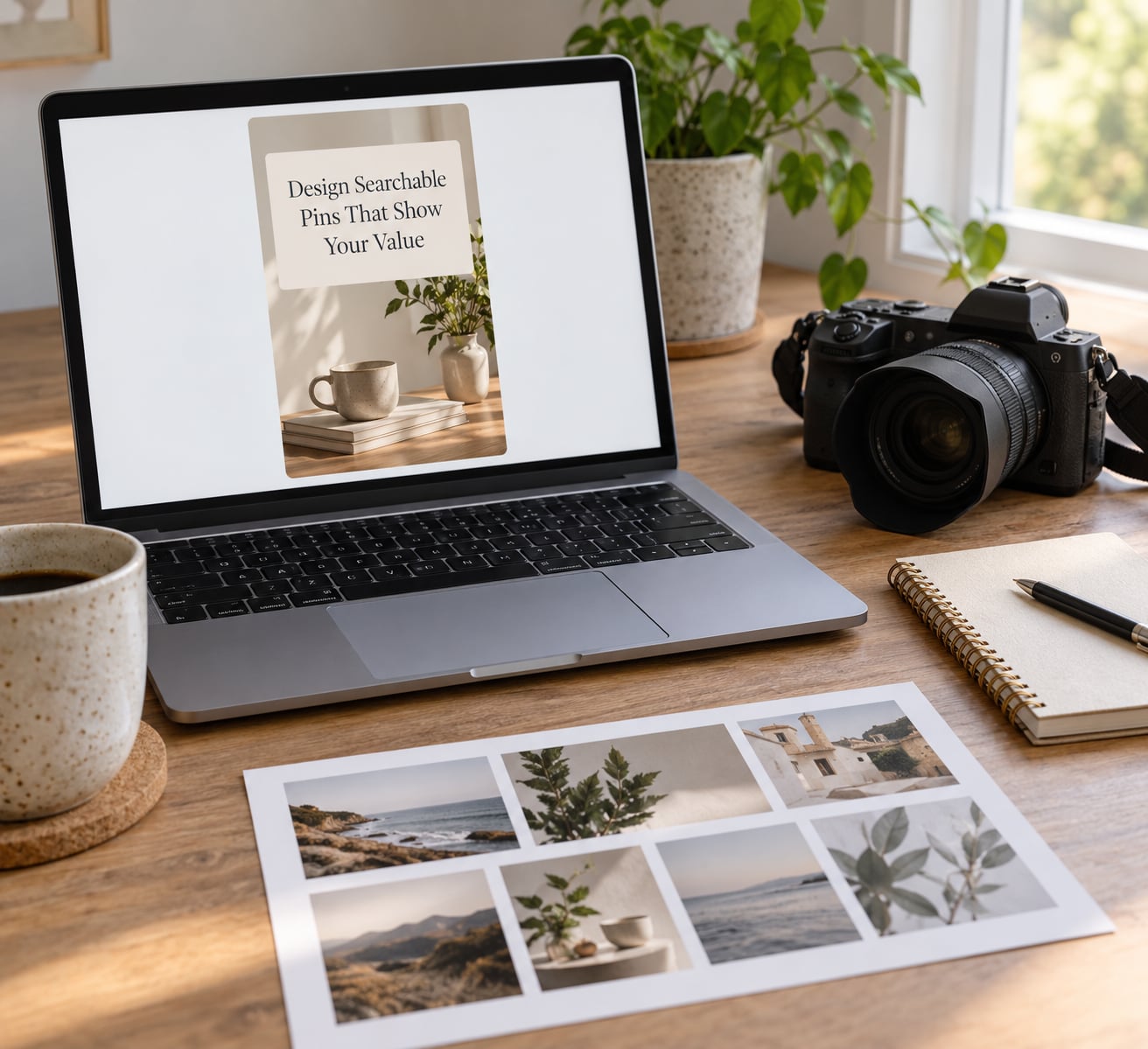
Design for the phone first. Most people see your pin at roughly the size of a postage stamp in a scrolling grid, so the title has to be readable at a glance and the image has to hold up small.
| Element | What to use | Why it matters |
|---|---|---|
| Aspect ratio | 2:3 vertical | The shape Pinterest itself displays largest in the grid |
| Pixel size | 1000 x 1500 px | Sharp on retina screens without a huge file |
| Format | PNG for graphics, JPEG for photographs | Avoids visible compression on skin tones |
| Title | Under 40 characters, front-loaded with the search phrase | Truncated after roughly 40 characters in most views |
| Description | Two or three sentences naming location, season and service | This is the text Pinterest reads for search matching |
Your destination link matters just as much. A pin titled “what to wear for a summer engagement session” should land on a page about summer engagement sessions, not your homepage. Match the promise, and the person who clicks arrives already halfway to an inquiry.
Publish Consistently and Repurpose Your Best Work
A sustainable schedule beats an ambitious one. Ten to fifteen fresh pins a week is a realistic target for a solo photographer with a full shoot calendar, and it beats three frantic days followed by five silent weeks.
You can get there without designing every pin from scratch. Take a finished gallery and build two or three templates with different photo crops, then swap in the next batch of images. A template in Canva or your own editing program does most of the work for you.
Vary what you publish. Portfolio images answer “will I like my photos here.” Behind-the-scenes and gear notes answer “is this person easy to work with.” Practical lists answer “what do I do about this problem.” Mixing all three gives the feed a reason to keep existing.
Use Pinterest to Start Conversations Before the Shoot
Most inquiries begin as a small question in the comments, not a booking form. Answer within a day, be specific, and move the conversation somewhere durable. Suggest they email you with their dates and location, or point to your inquiry page rather than negotiating in a comment thread.
Comments also tell you what your next pin series should be about. When five people ask about rain plans for an outdoor session, that is your next five pins. This is the step most photographers skip, and it is where the platform stops being a poster wall and starts producing work.
Track Saves, Profile Visits, and Client Inquiries
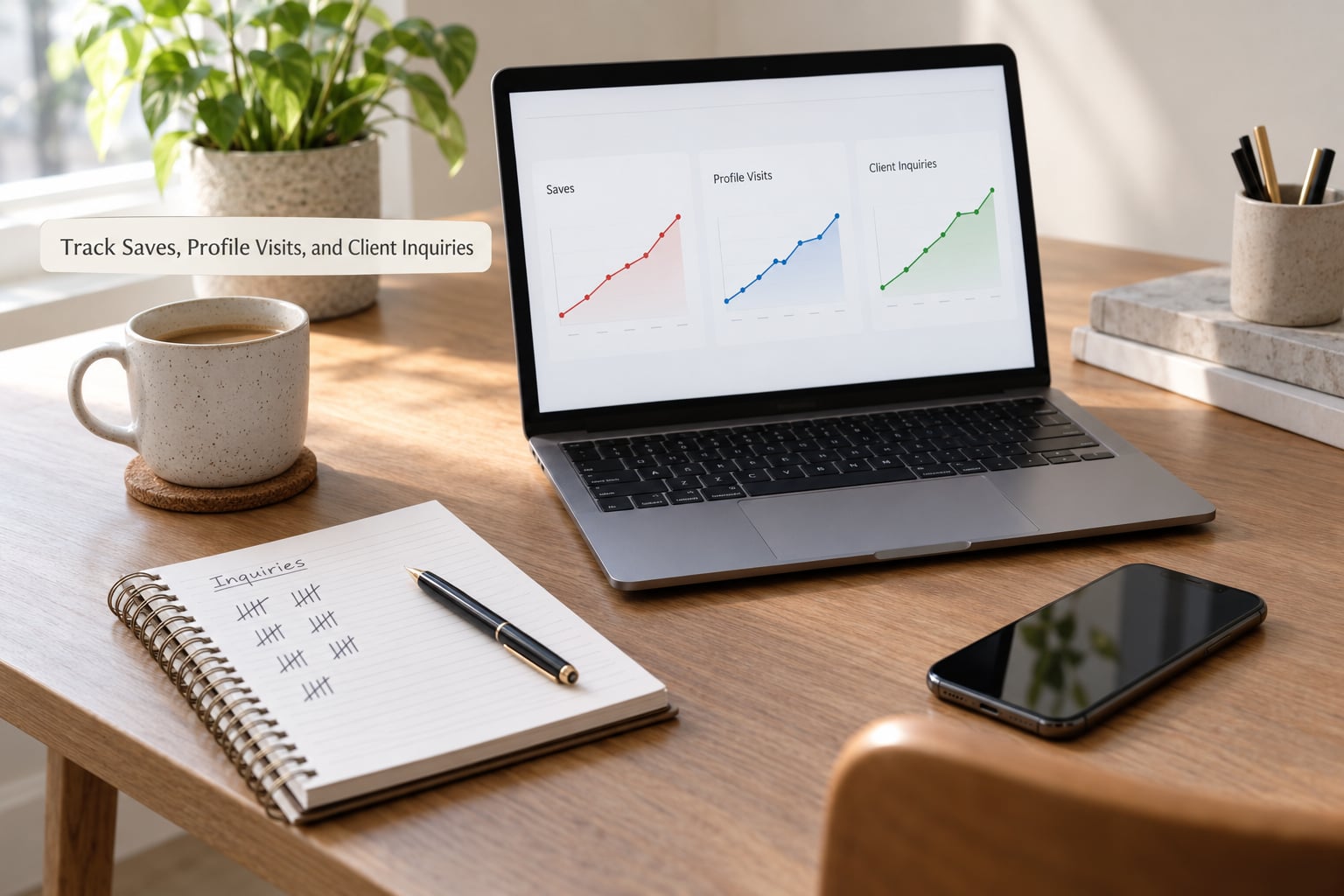
Judge this channel by clicks and inquiries, not by likes. A pin with forty saves and one outbound click is worth more than a pin with eight hundred impressions and no clicks at all.
Read the funnel in order: impressions, then saves, then outbound clicks, then profile visits, then inquiries. The drop-off tells you the problem. Lots of impressions and no saves means the image is not interesting. Saves with no clicks means the promise and the landing page disagree.
Here is roughly what a healthy first three months look like, assuming consistent publishing:
| Time | What usually changes | Signal to watch |
|---|---|---|
| Month 1 | Impressions rise, saves near zero, no inquiries | Any impressions at all |
| Month 2 | A handful of saves, first profile visits, occasional clicks | Saves on the 3 to 5 pins people actually keep |
| Month 3 | Outbound clicks become measurable, first inquiries likely | Questions about dates and pricing |
| Month 4 to 6 | Old pins still earning clicks; inquiries become routine | Repeat inquiries or referrals |
Low impressions despite daily posting is the most common complaint in photography and blogging communities, and it usually means duplicate pins, keyword-free titles, or all ten pins pointed at the same landing page. Fix one of those before you change anything else.
Common Mistakes
Almost every wasted Pinterest account I have seen fails the same way.
- Reposting the identical pin everywhere. Duplicate and near-duplicate content is the fastest route to reduced distribution. Change the image, the crop, or the design before you put the same work on another board.
- Empty boards. A board with three pins sends a weak signal about your specialty. Fill ten boards properly before creating a fifteenth.
- Copying descriptions from other accounts. Write your own in plain sentences. Pasting is one of the behaviors the platform’s spam policy targets, and suspended accounts lose their pins and their following.
- Sending every click to the homepage. The homepage has to make six decisions. A single service page makes one.
- Leaving location out of the title and description. Local searches are where a small photographer has the best odds.
- Paying for a scheduling tool before you have a routine. People complain constantly about paying for Tailwind and seeing little return. That usually happens when the tool batches fifteen variants of the same three images. Build the habit on the native scheduler first, then decide.
- Chasing followers. Follower counts are not a client acquisition metric. Outbound clicks and inquiries are.
One more honest note from the Pinterest community: ad performance on the platform gets called the worst of any major ad network by sellers on r/shopify. Start organic. Promote only a pin that already earns organic saves, never a cold pin, and never to test the platform itself.
Frequently Asked Questions
How many pins should I publish each day as a photographer?
Aim for three to five fresh pins a day, which works out to roughly ten to fifteen a week and is easy to sustain alongside a full shoot calendar. What matters more than the count is that each pin is original to you, carries a keyword, and links to a matching page. Reposting the same image to twenty boards hurts your reach rather than helping it.
Should I use a personal or a Pinterest business account?
Use a business account. It is free, and it unlocks Pinterest Analytics, claimable analytics for your own website domain, and richer pin formats that pull data from your site. The downside is a small one: business accounts cannot currently claim custom profile links, so your link points to a Pinterest-generated address instead. Analytics matter far more than a custom URL.
Do Pinterest pins actually bring in photography clients?
Yes, but slowly, and only when the pin points somewhere useful. Wedding photographer Kristen Booth reported growing her Pinterest to roughly a million monthly viewers through consistent original posting and a scheduling tool. Bloggers in r/Blogging describe long-tail traffic that keeps arriving months and years after a pin goes live. Expect your first inquiry in the third to sixth month, not the first week.
How can I find local photography clients on Pinterest?
Put your location in your profile, your bio, your board names, and most of your pin titles and descriptions. Then build pins around the specific questions local people search: which parks work for engagement sessions, what to wear in August heat, where to shoot near a particular town. Those searches have less competition than national ones, and the people running them are already shopping.
Can you sell photos or prints on Pinterest?
Yes, through a shop connected to your account, though it sits outside this guide, which is about booking session clients. A few photographers sell wall art, albums and presets this way. If you do, treat it as a separate storefront with its own pricing and shipping terms, and keep it separate from the boards driving client inquiries so your profile does not read as a retail catalogue.
Conclusion
Start this week, in this order. Write down the one session type and the area you want to be booked for. Switch to a business account and claim your domain. Build eight to ten boards named after what clients are deciding, not after your equipment. Then design five vertical pins at 1000 x 1500 pixels, each answering one planning question and each linking to the page that continues the conversation.
From there, keep the rhythm rather than the intensity. Ten to fifteen original pins a week, a comment answered within a day, and a weekly check of outbound clicks against inquiries and bookings. This guide was refreshed for 2026 and the channel still rewards the photographer who publishes steadily over months instead of intensely for a week.
Nothing here fixes a thin portfolio or a confusing inquiry process. Pinterest decides who looks at your work, and your pricing and communication decide whether they book you. Get both in order, then let the compounding do its slow work.