Your photographs are already copyrighted. In the United States, copyright attaches the instant you press the shutter and the image is saved in a tangible form — no application, no fee, no form to file. So when people ask how to copyright your photographs, the honest answer is that the law has already done most of the work, and what is actually left for you is proof, notice, paperwork and enforcement.
That distinction matters more than it sounds. Registration is not how you get copyright; it is how you get a stronger position when somebody takes a picture. Ownership is automatic. Evidence, registration and contracts decide what happens next.
This guide is written for working and aspiring photographers in the US. It is educational information, not legal advice, and copyright law varies by country and by state — if you are outside the US or facing an active dispute, talk to a qualified attorney in your jurisdiction.
Last updated: October 2026
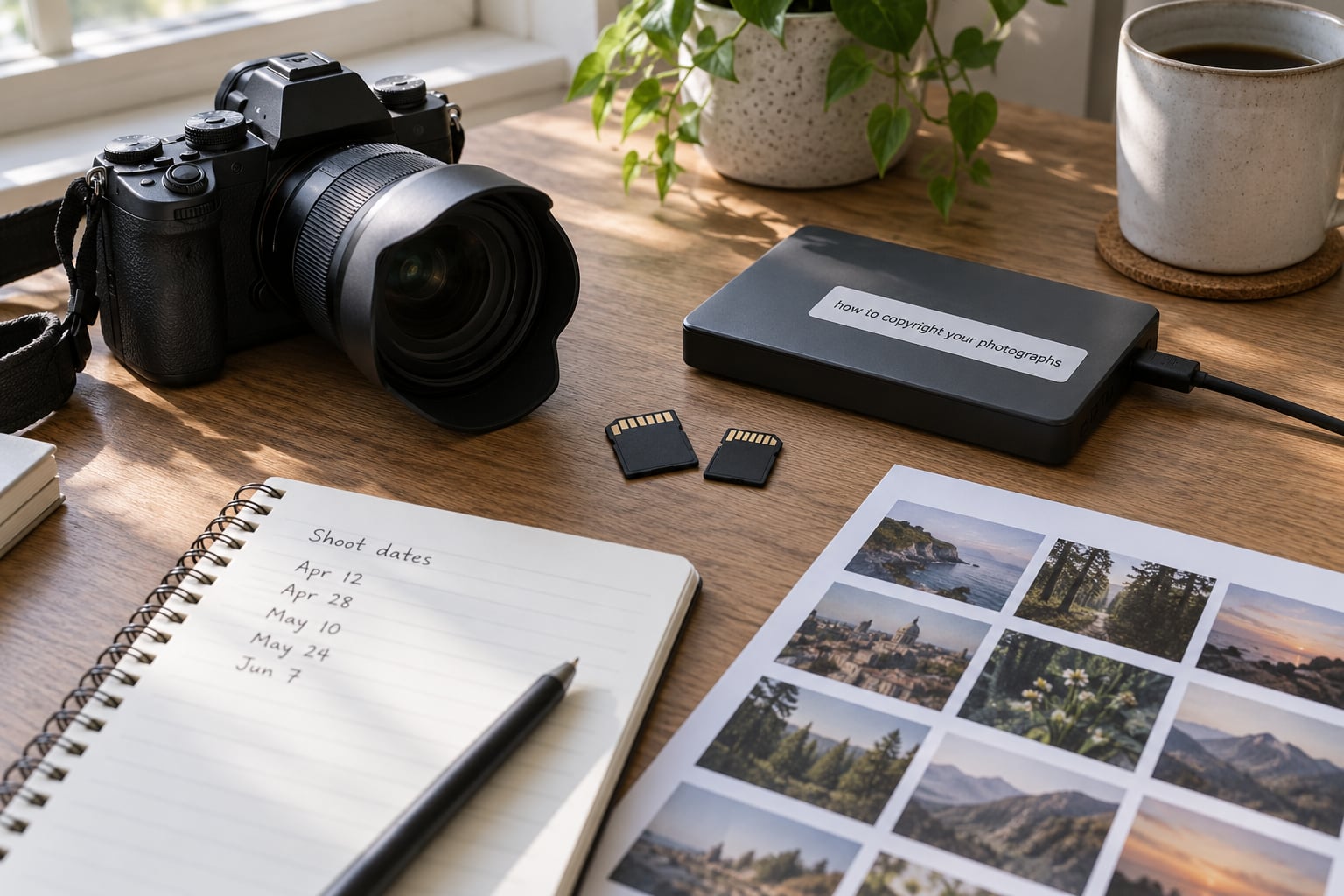
Table of Contents
- What You Need
- Step-by-Step: How to Copyright Your Photographs
- 1. Keep the Original Files and Creation Records
- 2. Register Copyright for Important Photographs
- 3. Document Your Role as Author or Owner
- 4. Put Copyright Terms in Writing
- 5. Add a Clear Copyright Notice When Publishing
- Common Mistakes
- Posting online transfers ownership
- Treating a watermark as protection
- Confusing a purchased copy with ownership
- Leaving client usage undefined
- Registering without keeping the work
- Registering part of a series and assuming the rest is covered
- Frequently Asked Questions
- Can I copyright my own photos?
- Do I need to register a photo before I can sue?
- Should I put a watermark on my photography?
- Does giving credit make it legal to use my photo?
- Who owns the copyright in photos taken for a client?
- Should I strip metadata from photos I upload online?
- Conclusion
What You Need
None of this is expensive. You need a few records you can keep for years, two places to store your files, and a handful of text documents you can copy and reuse.
- Untouched original files. Camera-generated RAWs or JPEGs straight off the card, kept forever and never flattened, cropped or re-exported over.
- Working files. Layered PSD or TIFF edits, plus your Lightroom or Capture One catalog with its export history.
- Two more copies. One on an external drive at home, one offsite. A single drive is a storage problem wearing a copyright costume.
- A dated record of each shoot. A simple spreadsheet or notebook: date, location, subjects, and the file names that came out of the session.
- Paperwork. Client agreements, model and property releases, invoices with your licence terms, and signed assignments for any image you bought or resold.
- Metadata tools. You already own them. Lightroom writes IPTC fields from File > File Info, and Photoshop from File > File Info on the IPTC or Raw File Info tab.
- A free camera menu setting. Most cameras have a copyright-information or owner-name field that gets embedded at capture. On Canon bodies it sits under the copyright tab in the menu, alongside an option to embed creator information in the file.
- An account at the U.S. Copyright Office. Registration happens through the portal at copyright.gov, and you want the account set up before you need it in a hurry.
Here is the short version of what each record actually proves, because a file that proves nothing is just clutter.
| Record | What it proves | How long to keep it |
|---|---|---|
| Original camera file | You made the image, with device and time data | Permanently |
| Catalog with export history | A continuous chain from capture to published copy | Permanently |
| Dated shoot log | When and where the work was created | Permanently |
| Metadata in the file | Who claims authorship and under what terms | As long as the file exists |
| Signed agreement or release | Who owns the copyright and what use was allowed | The life of the licence plus the limitation period |
| Registration certificate | A dated government record of your claim | Permanently |
Step-by-Step: How to Copyright Your Photographs
Work through these in order. The early steps take an afternoon and never need repeating; the later steps come up each time you publish something worth protecting. Together they are how to copyright your photographs in a way that survives contact with another person’s website.

1. Keep the Original Files and Creation Records
Copyright is a bundle of five exclusive rights — to reproduce, distribute, publicly display, publicly perform and prepare derivative works — and the person who created the image owns all five by default. The problem is that a court cannot take your word for it, and a JPEG saved three times is weak evidence of anything.
Keep the original file as the camera wrote it. That file carries capture time, camera model, lens data and often a serial number, and the serial ties your frame to a specific body on a specific day. A flattened Instagram-sized export carries almost nothing and is very hard to trace back.
Save three copies and test the restore once a year. Back up before you format the card, not after the session ends. Keep your layered edit files too, because an edit history shows a human decision chain rather than a single unexplained file.
A long-running thread on the DPReview forums contains the advice most photographers actually act on: upload reduced-size versions, keep the RAWs, PSDs and catalog files, and let the public copy be the only surface a thief can reach. That is sound, and it costs nothing but discipline. The same thread makes another fair point — EXIF data embedded from the camera menu is easy to edit or strip, so treat it as a label rather than proof.
2. Register Copyright for Important Photographs
Registration is the only part of this list with a fee, and it is the part people misunderstand most. In US federal court you must have registration issued before you file an infringement suit, which means registration is closer to a ticket to the courthouse than a purchase of copyright.
What registration changes most is money. If you register before the infringement occurs, or within three months of first publication of the work, a court may award statutory damages per work rather than only the actual income you can prove you lost. Under US law that statutory range runs from 750 to 30,000 dollars per work and can reach 150,000 dollars where infringement is found willful, meaning the infringer knew and went ahead. Register late or never, and your realistic recovery shrinks to actual damages and the infringer’s profits, which for a stolen portfolio shot is often close to nothing.
You can also register a group of unpublished photographs in a single application covering up to 750 works you created alone, under a group of published works, or a group covering both. Group registration exists for working photographers whose real problem is volume, not worthiness. Note that group options have eligibility conditions, so read the Copyright Office guidance before you assume your set qualifies.
What the walkthrough looks like on copyright.gov: create an account on the portal, choose the registration type that matches your set, submit the standard deposit copy for each work, and complete the form fields — title of the work, author and claimant information, rights and limitations of claim including any previous registration, and the correspondence details. Review, pay the published fee, and submit.
Two practical details. Deposit copies submitted electronically are retained in the Copyright Office’s secure system rather than mailed to you, so your upload has to be the best-quality file you have, not the web export. And the confirmation number you receive at submission is your only proof that the application was filed, so save it the same day.
Is it worth it for a hobbyist? Register the photographs you license, sell, or deliver to clients as part of paid work, and the frames that would genuinely hurt to see reused. Registering every frame from a holiday trip is mostly a receipt for a habit. If a claim is small, the Copyright Claims Board is a lower-stakes federal forum than a district court, though participation is voluntary and awards are capped, so check whether a suit is practical before you file.
3. Document Your Role as Author or Owner
Most photographers are authors, which means the ownership question is settled for them. It stops being settled the moment a client, an agency, a stock library or a second shooter is involved, so write down which situation you are in and keep the paperwork that goes with it.
You created it alone. You are the author and you own the copyright. Your original files, catalog and shoot log are the supporting record.
You created it as an employee. A photograph made by an employee within the scope of employment is generally a work for hire, and the employer owns the copyright from the start. Check what your contract or your state’s law actually says before you reuse a frame from a day job.
A client commissioned it. Paying for a shoot buys the client photographs, not copyright. A commissioned photograph is only a work made for hire if it falls within one of the specific statutory categories, and most commercial photography is not one of them. Put ownership in a signed written agreement — either assigning the copyright to the client, or keeping it and granting a defined licence.
You inherited the image. Buying a photograph does not give you the copyright unless the seller signs a written assignment. Get the agreement or a bill of sale naming you as the author or transferee, and keep the signed copy with the file.
Someone else appears in it. A model release and a property release are separate documents from a copyright assignment. Releases address publicity and privacy rights, not ownership of the image, and a signed release is what stops the subject from claiming the photograph later.
4. Put Copyright Terms in Writing
Most copyright disputes between photographers and clients are not theft at all. They are misunderstandings about what a payment covered, and every one of them is prevented by a paragraph written before the shoot.
Your agreement needs to state, in plain language: who owns the copyright; which uses are permitted and which are not; how long the permission lasts; which territory it covers; whether it is exclusive; the exact credit line the client must use; that the licence cannot be sublicensed; and what happens if the client uses the image outside those terms.
A workable clause reads something like this: the photographer retains copyright and grants the client a non-exclusive licence to reproduce and display the delivered images for the client’s own promotional and editorial use, in the territory of the client’s primary market, for a period of two years from delivery, with a required credit line, and with no resale, stock library submission, sublicensing or use as input to artificial intelligence training or generation systems.
Adjust the numbers to your business, but keep the shape: owner, scope, media, duration, territory, credit, restrictions. Two details people forget. If you want the arrangement to survive a court treating the commission as a work for hire, say that in writing — the agreement is what creates that status. And if you sell physical prints, you are selling the right to make prints, not the underlying copyright, so say so.
Do not reach for an open Creative Commons licence by default. A public licence is a contract, not a dedication, and a stolen photograph can be laundered through it: once a copy circulates under an open licence, tracing who first misrepresented it becomes much harder. Reserve open licences for images where you genuinely want that trade.
5. Add a Clear Copyright Notice When Publishing
A notice is optional in the US — protection exists without one — but it earns its place because it undermines the defence that somebody did not know. The standard line is short, and you can copy it as-is:
© 2026 Your Name. All Rights Reserved.
Place it everywhere a copy of the image might live: in the footer of every page of your website, in the caption or alt text of each portfolio image, on your invoices, on your contract templates, in the folder name and readme file you deliver to clients, on the back of any physical print, and in the caption text of your social posts. On social platforms, put it in the post itself rather than a profile bio, because bios get scrolled past and posts get copied.
Watermarks work on the same logic. Put a visible mark across a busy area of the frame rather than flat sky or an empty wall, because a mark over complex texture is harder to retouch cleanly. Tiled placement beats a single logo in one corner, since a crop cannot fix it. Use a modest opacity so the image stays viewable. Where a thief will screenshot or use an image editor to erase the mark, no watermark survives, and pretending otherwise is how people end up disappointed.
Invisible watermarking deserves an honest grade. Steganographic marks hide data inside pixel values and survive lossless formats, but JPEG compression — which is what every social platform does to your upload — destroys them. It is a bonus for delivery files you control, not a defence.
For public versions, upload reduced-resolution files. Give clients unwatermarked full-resolution files through a delivery link, not as an attachment in an open folder.
On AI scraping, two things are worth doing now. Direct AI crawlers away from your portfolio and download folders in your robots.txt file, and attach C2PA content credentials to files you publish so downstream tools can see the image’s origin. Neither is a wall, and neither stops a determined builder of a training set, but they document your objection if anyone asks whether you ever consented.
One point in your favour when a watermark is deliberately removed: knowingly stripping copyright management information such as your notice is a separate federal claim under section 1202 of the Digital Millennium Copyright Act, carrying statutory damages between 2,500 and 25,000 dollars per violation. That claim can survive even where the underlying infringement is hard to prove.
Common Mistakes
Most of the bad advice in this topic comes from one of six misunderstandings. Each has a straightforward fix.
Posting online transfers ownership
Publishing an image does not move the copyright, and neither does hosting it on a platform with its own terms. Read the terms before uploading to any library or marketplace, because some grant a broad licence the moment the file lands.
Treating a watermark as protection
A watermark is a label, a deterrent and a piece of evidence. It is not a lock, and on its own it will not win a dispute. Pair it with the file-keeping, metadata and registration work in the steps above.
Confusing a purchased copy with ownership
Buying a print, a download or a disc never conveys copyright. If you intend to reproduce or license an image, get a written assignment or an explicit licence from the photographer.
Leaving client usage undefined
Payment covers delivery, not rights. Without scope, duration and territory in writing, both sides are guessing, and the argument happens after the invoice is long paid.
Registering without keeping the work
Registration records a claim; it does not preserve the image. If the drive fails the week after you register, the certificate is a claim to something you cannot produce.
Registering part of a series and assuming the rest is covered
Registration protects the works named in it. If a series is registered partially and one image is later disputed, the timing advantage can differ between registered and unregistered frames, so decide deliberately rather than by accident.
Frequently Asked Questions
Can I copyright my own photos?
Yes, and you already have. In the United States a photograph is protected the moment it exists in a saved file — no application, no fee and no notice are required. Registration with the U.S. Copyright Office is not needed to own copyright; it matters later, when you want to sue. Rules differ outside the US, so check your own country’s law.
Do I need to register a photo before I can sue?
In US federal court, generally yes. Registration must usually be issued before you file an infringement suit. What changes with timing is the money: registering before infringement, or within three months of first publication, can allow statutory damages per work instead of only actual losses and the infringer’s profits. A successful case can also carry attorney’s fees. This is general information, not legal advice.
Should I put a watermark on my photography?
On previews, yes. On final delivered files, usually not. A visible mark placed across detail is easy to notice and hard to crop out, and it gives you extra leverage when somebody removes it. It does not stop a determined thief. Keep full-resolution originals off public galleries and hand clients unwatermarked files through a delivery link instead.
Does giving credit make it legal to use my photo?
No. Attribution is courtesy, not permission, and a caption with your name does not turn unauthorized use into a licence. Fair use is decided case by case on factors such as purpose and market effect, so one blog post with a credit is not automatically fair use. If someone wants your work, send them your rates and terms in writing.
Who owns the copyright in photos taken for a client?
You do, unless a signed written agreement says otherwise. Paying for a photoshoot buys the client the photographs, not the copyright. Some photographs qualify as a work for hire, but commissioned photos usually do not unless they fall inside a specific statutory category. Put ownership and permitted use in writing before the shoot, not after delivery.
Should I strip metadata from photos I upload online?
Keep metadata on your originals and reduce or strip it from public copies where you can. Metadata documents authorship but is easy to delete, so treat it as a label rather than proof. Upload a reduced-size version for browsing, keep the untouched master with full metadata in your archive, and make sure nothing you publish links back to a licensed file.
Conclusion
Start with the afternoon of work: archive your originals in two places, add your notice to every published surface, fill in the copyright fields in your camera and catalog software, and write down who owns the work on your standard agreement. Then register the photographs that earn money for you.
Everything else — monitoring, watermarking, takedown notices — is a response, not a foundation. Copyright law in your country and state will have its own details, and this is educational information rather than legal advice, so confirm anything that matters for your business with a qualified attorney.