
When you find one of your photographs on a site, an ad, or a social account that never asked, the fastest way to handle photo theft online is the same as any other rights complaint: document everything, then report it through the platform that hosts it. Most cases end with the image coming down, and a fair share end with someone paying a licensing fee. Legal action is the last step, not the first.
The whole process takes an afternoon for a single image, maybe a week if the host ignores you. The hard part is not the takedown form. It is the evidence you assemble beforehand.
Table of Contents
- What You Need Before You Contact Anyone
- Step-by-Step: How to Handle Photo Theft Online
- 1. Confirm the images and locate every copy
- 2. Preserve proof before contacting anyone
- 3. Check copyright ownership and licensing records
- 4. Contact the host or platform
- 5. Send a clear copyright or permission notice
- 6. Request removal and track the outcome
- 7. Consider recovery options and prevent recurrence
- Common Mistakes That Undermine a Claim
- Frequently Asked Questions
- Does watermarking a photo stop people from stealing it?
- Is a screenshot enough to prove a photo is yours?
- How do I report a stolen photo on social media?
- Can a small business be held liable for using my photo without permission?
- What happens after a successful takedown?
- How can I check whether my photos are being used online?
- Start With Three Things Today
What You Need Before You Contact Anyone
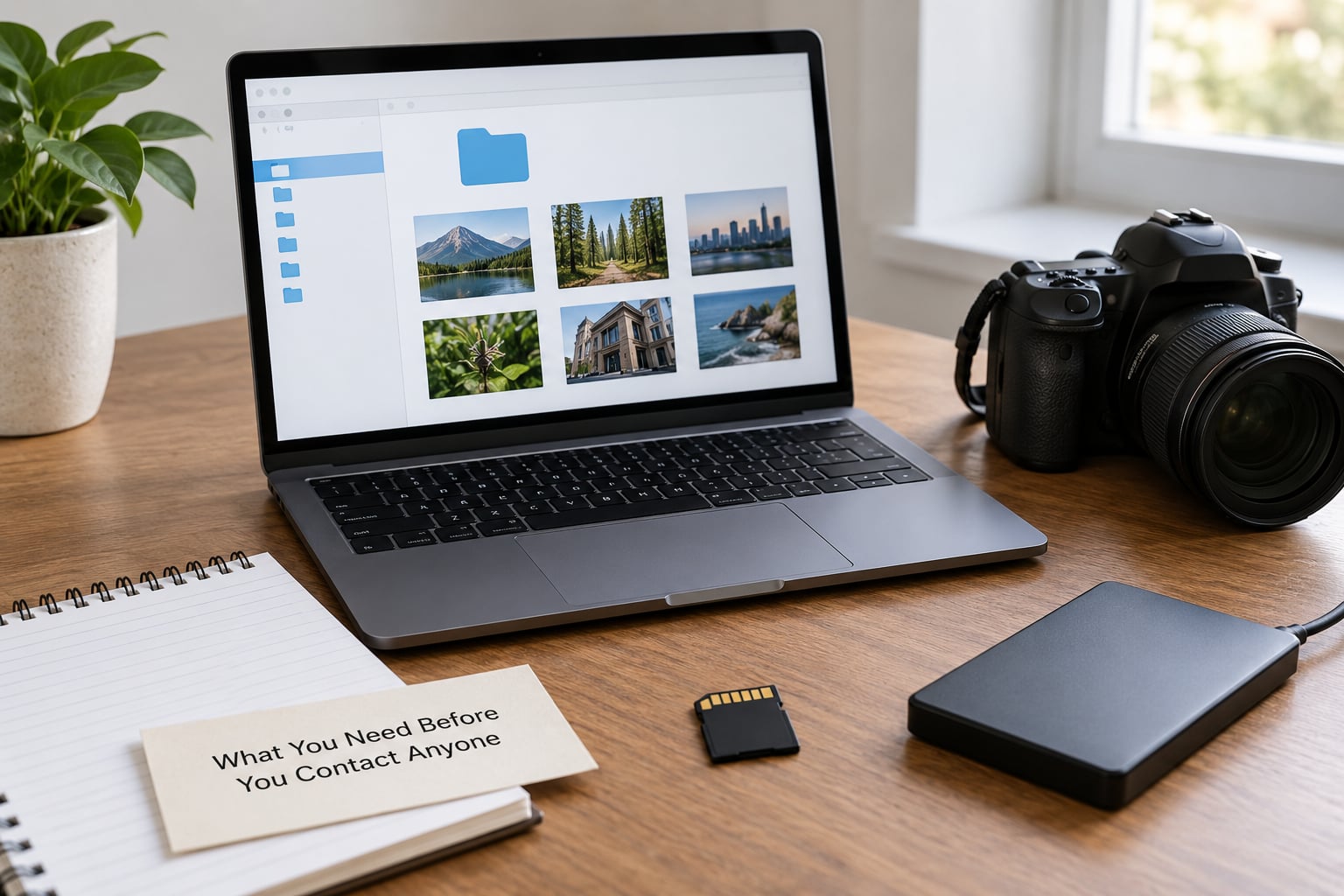
Collect these items first. Reports with a clean evidence bundle usually move without a follow-up email, because the reviewer can verify ownership without asking you questions.
- Original files with intact camera metadata, including RAW files straight from the card.
- The exact URLs of every copy you can find, plus the page title, account name and visible date.
- Full-page screenshots showing the URL bar and the image together.
- Ownership records — contracts, invoices, model or property releases, assignment clauses.
- Publication history — your own blog post, portfolio page, gallery upload or marketplace listing with its date.
- Your contact details and a dedicated email address you check regularly.
- A dated action log — a plain text file where every screenshot, email and submission is recorded with a timestamp.
Keep the log. When a case stretches over months, the log is what tells an attorney, a host or a small claims judge exactly what you did and when.
Two things people leave out and later miss: the email address of whoever posted the image, and any visible watermark or signature in the frame. Photograph the watermark separately, in close crop, so it is readable.
Step-by-Step: How to Handle Photo Theft Online
Seven steps, in this order. Skipping ahead is how people end up with a removed page and no compensation, or with a takedown that gets reversed two weeks later.
1. Confirm the images and locate every copy
Compare what you found against your original file pixel by pixel at full size. Cropping, sharpening or a filter applied on top of a copy changes the pixels but not the composition, and that is enough to identify it as yours.
Run reverse image searches to find the wider spread. In Google Images, right-click the image on the page and choose Search image by image, or upload the file through the camera icon on desktop. TinEye gives you a sorted list by earliest appearance, which is more useful than a scattered grid when you want the first use. Bing Visual Search handles a lot of product and stock-style photography well.
Record the earliest date you can find for each copy. Earliest use matters because it establishes who had it first and whether the current poster might be a scraper who got it from someone else entirely.
Not every reuse is theft. A blog post that credits you by name and links back is licensed reuse, even without a formal contract. A meme that adds commentary may sit inside fair use arguments, which courts weigh as a set of four factors rather than an on-off switch. A product page selling your photograph with no credit is the clearest case.
2. Preserve proof before contacting anyone
Take a full-page screenshot that includes the browser address bar. Then record a short screen capture — scrolling slowly from the address bar to the image, then back to any account name or date on the page. Video defeats the common objection that an image was assembled by hand.
Save a copy of anything you can legally download, but do not open or run suspicious files. Screenscraper sites are a known source of malicious downloads, and the one time to click is never worth it.
If the page is public, submit its address to the Internet Archive’s save tool. An archived snapshot with a timestamp stands up in a dispute long after the live page has been deleted.
Export the EXIF and IPTC metadata from your original file. Camera make, lens, capture timestamp and embedded copyright fields are cheap, strong evidence. Save a copy of that export as a PDF so the formatting survives.
3. Check copyright ownership and licensing records
Copyright in a photograph normally exists the moment you press the shutter, in most countries. Registration is not needed to own it, but registration before the infringement opens doors that unregistered works do not have, including statutory damages in US litigation and the ability to sue in some other countries at all.
Gather anything that shows you are the author: RAW files with matching capture dates, cloud storage timestamps, the shoot calendar, an invoice to a client, delivery receipts, a published article or portfolio page with a visible date.
Release forms need care. A model release proves the person in the frame agreed to the shoot. It does not make you the photographer or transfer copyright to anyone. If your client hired you and their contract was silent on copyright, in the US the default is that you keep it. Contracts in other countries often assign copyright to the client, so read the paperwork before you send a notice claiming ownership.
4. Contact the host or platform
Report to the service that actually stores the file, not only to the search engine showing it. A cached thumbnail in Google results disappears once the host takes the page down and the next crawl runs.
Use each platform’s intellectual property or copyright form, usually buried in help or legal pages. For a social network, that means the IP report form inside the post menu. For a marketplace, the intellectual property complaint or seller protection programme. For a self-hosted site, you need the site owner or the hosting provider.
Include the infringing URL, your ownership statement, the original publication URL, your contact details and a good-faith sentence. Save the submission confirmation or case number — you will need it to escalate.
One practical note from photographers who have done this repeatedly: response time varies enormously. Some hosts act within hours, others within days, and a meaningful number never reply. Plan for that rather than treating silence as unusual.
5. Send a clear copyright or permission notice
A usable notice has seven parts: your name and contact details, identification of the copyrighted work, identification of the infringing material, your ownership basis, the requested action, a statement of good faith, and a statement about accuracy made under penalty of perjury.
That last part is why accuracy matters so much. A notice carries legal consequences, and sending one about work you do not own, or against the wrong account, is the kind of mistake that turns your complaint into the other person’s claim against you.
If you are not sure whether the use qualifies as infringement, describe what you saw without accusing anyone of bad faith. Something like: this image appears on this page, I photographed it on this date, here is the original, and I would like it removed or properly licensed.
Keep it short. Long notices with accusations of theft, demands for payment and threats all in one paragraph get ignored, and they can reduce your chance of a platform acting at all.
6. Request removal and track the outcome
Ask for removal rather than a takedown where the platform offers both. Removal is faster, and content that gets reinstated after a counter-notice is usually a bigger problem than a page that was taken down and never returned.
If a report is rejected as incomplete, read the reason rather than resubmitting the same thing. Platforms reject notices for missing perjury language, an unclear work identification, or a link that resolves to nothing. Fix the specific gap and resubmit once.
If you get no answer, escalate through the platform’s appeal or abuse team, quoting your case number. For search results, each major engine has its own legal removal request form, and removal from the index usually follows the host’s action rather than replacing it.
Then monitor for reuploads. Scrapers and dropshippers re-post within days because a removed listing means nothing to them beyond a re-upload. A monthly reverse image search on your key images catches this. Subscribing to an automated monitoring service costs less than a single hour of your time spent chasing the same six links.
7. Consider recovery options and prevent recurrence
Removal is the baseline, not the goal. If someone used the image commercially — an ad, a product listing, a book, a printed item — you can invoice them for a retroactive licence. Retroactive licensing is a normal commercial arrangement: they keep the image, they pay. Many small businesses would rather pay a few hundred pounds than deal with a claim, because the alternative is removing their listing and losing sales.
A watermark-free blog post or a personal social account may not be worth anything financially. That is the moment to stop and decide the time is better spent elsewhere.
When a site owner ignores notices, a cease and desist letter from a qualified attorney often does more than your own letter, because the letter puts the owner on notice of your intention to sue. Costs run into thousands, so send one when the commercial use is real and the owner is traceable, not as a reflex.
Consult a copyright attorney when the infringement is commercial, repeated, involves a company with money, or the site is in another country. Enforcement against a host overseas is slow and often uneconomic, and a lawyer can tell you quickly whether you have a case worth pursuing. Rules vary by country and change, so treat any general guidance as a starting point rather than advice.
Prevention is quieter and works better over time. Embed copyright metadata, publish watermarked previews at a resolution too low to license commercially, keep clients on licensed files under a written agreement, submit your best work to a copyright registry before it goes out, and block AI training crawlers in your site’s robots.txt if you would rather your images were not scraped. Anti-scraping tools that subtly alter an image before publication make automated harvesting harder without changing what you see.
Common Mistakes That Undermine a Claim
Posting about it publicly before you have documented anything. Announcing the theft in a forum or on social media creates an audience and pressure, and it also tells the person exactly which evidence you have. Document first, then if you want, tell people.
Deleting your own originals to make a point. Your RAW files, your published versions and your delivery receipts are the case. Never delete them, and never let an infringer talk you into sending the only copy of anything.
Relying on a watermark as proof or as protection. A visible watermark identifies you, which helps, and it is routinely cropped or cloned out. Treat it as a label rather than a lock. Invisible watermarking survives more attempts but it is not proof on its own in front of a platform reviewer.
Threatening legal action before checking the facts. If you sent a demand to an account that had licensed the image through an agency, or to a client whose contract assigned copyright, you have handed them a counterclaim. Two minutes with your own paperwork prevents that.
Letting deadlines pass. Some claims carry time limits, and some platforms escalate or drop a complaint if it sits. If a takedown generates no response, follow up within a week rather than a month.
Assuming a takedown means the image is gone. The page is gone. The file has usually already been mirrored, re-posted, or sold as part of a print-on-demand catalogue. A takedown is one page, not the whole spread. That is why monitoring matters afterwards.
Frequently Asked Questions
Does watermarking a photo stop people from stealing it?
No. A visible watermark tells a viewer who made the image, and it survives casual reposting, but anyone determined can crop or clone it out. Use a watermark as a label on previews you post publicly, and rely on evidence gathering and monitoring services for real protection. Keep full-resolution files for licensed clients only.
Is a screenshot enough to prove a photo is yours?
A screenshot helps, but on its own it proves only what was on a screen. Pair it with your original file and its camera metadata, a dated screen recording that captures the address bar, and evidence of where you published the image first. That combination is what reviewers and courts actually rely on.
How do I report a stolen photo on social media?
Use the intellectual property report form inside the post or the account menu, then supply the infringing URL, your ownership statement and your original publication link. Save the case number. If the platform does not respond within about a week, escalate through its appeal process rather than filing the same report again.
Can a small business be held liable for using my photo without permission?
Yes. A business using your photograph commercially without a licence is infringing regardless of its size, and a written invoice for a retroactive licence is often the fastest resolution. Whether anyone recovers damages depends on where the business is, whether you registered the work beforehand, and whether the use was deliberate.
What happens after a successful takedown?
The page or post comes down, usually within days, and you receive a confirmation. The image itself is not destroyed: it may exist in a cache, a mirror or a print-on-demand catalogue. Send a licence invoice if the use was commercial, then run a reverse image search a few weeks later to check for reuploads.
How can I check whether my photos are being used online?
Run reverse image searches on your key images using Google Images, TinEye and Bing Visual Search, then repeat them every few months. TinEye sorts matches by earliest appearance, which helps you find the first unauthorized use. Automated monitoring services do this continuously and are worth the subscription if you publish regularly.
Start With Three Things Today
If you have a stolen image in front of you right now, do these three in order: take the full-page screenshot with the address bar visible, run a reverse image search to find the other copies, and find the host or platform that stores the file. That gives you the evidence bundle and the recipient, which is everything the rest of the process needs.
After that, decide whether the use is commercial. If it is, invoice it. If it is not, request removal, log the outcome and move on to the next one. Sustained, calm enforcement beats one dramatic confrontation every time, and how to handle photo theft online is mostly a matter of doing the same seven steps properly, repeatedly.