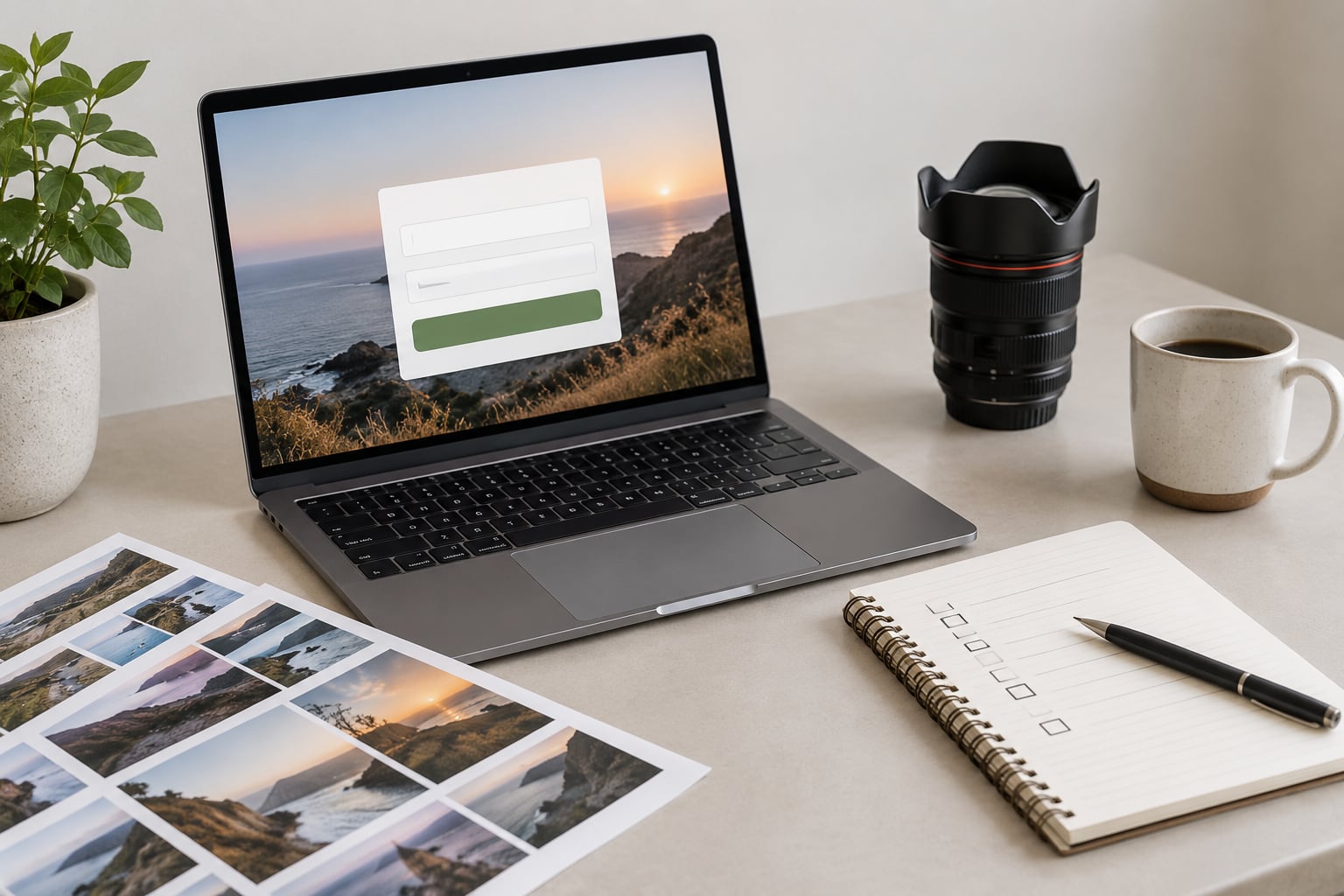
Learning how to build an email list as a photographer comes down to four things: a place to collect addresses, a reason for people to hand them over, an email platform that sends reliably, and a schedule you can actually keep. Most photographers who struggle here are missing the reason, not the software.
An email list is the one audience channel you own outright. A social account can be throttled, locked or handed to a stranger in an afternoon, and every impression you send from it costs nothing but every impression from Instagram costs reach. A list of 600 people who asked to hear from you is a different asset.
The whole setup takes a weekend and a few evenings after that. You can run it alongside shoots without hiring anyone, and the first useful signal usually shows up within six to eight weeks of steady sending.
Table of Contents
- What You Need
- Step-by-Step
- Step 1: Define Your Audience and Promise
- Step 2: Choose an Email Marketing Platform
- Step 3: Create a Valuable Signup Offer
- Step 4: Add Signup Forms Where Visitors Already Browse
- Step 5: Set Up a Welcome Email
- Step 6: Send Useful Emails on a Sustainable Schedule
- Step 7: Measure and Improve
- Common Mistakes
- Frequently Asked Questions
- How many emails do I need on my list before it is worth sending?
- What is the best free lead magnet for a photographer?
- How often should I email my photography list?
- Do I need GDPR or CAN-SPAM compliance for my photography emails?
- Should I still build an email list if I post on Instagram every day?
What You Need
Six pieces, and only three of them are genuinely required on day one.
- A website or portfolio page. This is where the signup form lives and where the traffic has to come from. Required.
- An email service provider. The tool that stores addresses and sends your messages. Required.
- A signup form. Embedded on a page or embedded inline. Required.
- A clear audience promise. One sentence explaining what a subscriber gets and how often. Required.
- A lead magnet. Something useful that justifies the signup. Strongly recommended, and the single biggest driver of signups.
- A sending schedule. A cadence you can hold for a year. Recommended.
Optional extras come later: a pop-up tool, a booking or CRM system such as HoneyBook, Dubsado or Tave, printed cards with a QR code, and a referral credit for past clients. None of them are needed to start.
Pick one platform and stay on it long enough to learn it. Migrating lists between providers is a weekend of work you do not need yet, and most people quit the project entirely during the first migration. Test one platform for a month before you decide it is wrong.
Step-by-Step
Step 1: Define Your Audience and Promise
Start by naming one group of people you want more of, not everyone. Local couples planning next year’s wedding, parents booking a spring family session, small brands that need product and team photos, or photographers who want technique tips. Each of those groups wants different emails, and mixing them makes every send worse for everyone.
Then write the promise in one sentence a stranger would understand. “One email a month with autumn light times and locations around here” is a promise. “Monthly specials and exclusive offers” is not, because it is only about you.
You know the promise worked when your first subscribers reply and tell you what they expected to receive. When nobody replies, the promise is too vague or too salesy, and you adjust the wording rather than buying more traffic.
Step 2: Choose an Email Marketing Platform
Ignore the endless platform comparisons and look at seven features instead: signup forms and landing pages, templates that survive being seen on a phone, automations, spam filtering, mobile rendering, list export, and connection to your booking tool. A photographer who cannot export their list is working for someone else.
Newer photographers usually want visual templates, a usable free tier and forms that work without a developer. Flodesk and MailerLite get praised for exactly that reason in photography communities. ConvertKit and ActiveCampaign get praised for automation depth, which matters more once you have several thousand subscribers and want tags driving sequences automatically.
What does not matter is migrating lists between platforms early. Test one for a month with real sending before you decide.
Step 3: Create a Valuable Signup Offer
A lead magnet solves one narrow problem your ideal client already has. Match it to your specialty rather than making a generic checklist nobody asked for.
- Portrait sessions: a what-to-wear and posing guide for the specific session type you shoot most.
- Wedding work: a timeline-planning worksheet or a guide to light and weather at your busiest venues in each season.
- Brand and commercial: a shoot-preparation questionnaire plus a plain-English explainer of image usage rights.
- Family and newborn: a session-planning sheet covering timing, feeding breaks and what happens during the shoot.
- Enthusiast list: a short editing or settings guide drawn from work you have actually done.
Keep it to five to eight pages, make it readable on a phone, and put your name and a way to contact you on the last page. Six pages of useful material beats a forty-page ebook nobody finishes.
You know it works when people forward it to a friend or ask a question about it after reading. A download with no replies usually means the offer was generic.
Step 4: Add Signup Forms Where Visitors Already Browse
Put a form in five places: the homepage, one or two gallery pages, each service page, the bottom of every blog post, and your contact page. Most photographers have traffic on those pages already and lose it because there was no obvious way to subscribe.
Write the benefit beside the field, not above it. “Get the autumn light guide (12 pages, free)” tells a visitor why they should type their address. “Subscribe” assumes they already trust you.
Keep the form to a name and an email address. Every extra field cuts signups noticeably, and you can ask for the rest later inside the welcome sequence. A pop-up that appears after about forty seconds of scrolling, or when someone heads for the menu on mobile, works better than one that greets the page instantly. Show it once per visit, not every page load.
You know placement works when your analytics show which pages actually produce signups. If your contact page converts better than your homepage, stop treating the homepage as the important one.
Step 5: Set Up a Welcome Email
The first email is where permission turns into a relationship. If you use double opt-in, the confirmation message handles the legal side, then the welcome follows the moment they click through.
Keep the first message short: who you are in two or three sentences, the resource they asked for as a link, one tip that is genuinely useful, and a soft invitation to ask a question. Photos from recent work help here, but only a few of them, sized for a phone screen.
The next few messages have a sensible order: your story and how you work, recent work with a short note about each frame, the questions clients ask you most, then something seasonal tied to the time of year. Five messages is plenty for a first sequence.
Photographers report that this personal-story-plus-work-plus-answers welcome series gets the most replies of anything they send, which matters more than opens because replies are real conversations.
Step 6: Send Useful Emails on a Sustainable Schedule
Weekly or bi-weekly suits most photographers. Weekly keeps you visible to couples nine months out and to families booking next season; bi-weekly is fine if you shoot heavily and write lightly. Pick one, state it at signup, and hold to it.
Useful content for this list is mostly unglamorous and repeats well: behind-the-scenes from a shoot, a small gallery with your reasoning, light and location notes for the coming season, a practical tip, a client story, and the occasional booking announcement. Five or six of those in rotation means you never open a blank page.
Both failure directions are common. Too much sending trains people to ignore you, and a three-month silence makes your next subject line look like spam. Consistency beats volume for photographers, who rarely have big blocks of writing time.
You know the cadence works when replies and inquiry emails keep coming at a steady low rate, not on the day you happened to post on social media.
Step 7: Measure and Improve
Track six numbers and ignore the rest: where signups came from, how many people actually download the resource, click activity, replies, unsubscribes, and inquiries or bookings you can trace back to an email. Opens are the softest of these because image-blocking makes them unreliable, so treat them as a trend rather than a verdict.
Compare everything to your own previous month rather than to industry charts written for retailers. Your own history is the only benchmark you control, and on a list of a few hundred people it is more honest than a general average anyway.
Test one thing at a time. A subject line, the wording next to the form, the send time. Change nothing else for two weeks or you will not know which change did the work. Under roughly 300 subscribers, ignore small swings entirely and let the list grow before you draw conclusions.
Common Mistakes
Most list-building failures are trust failures, and each one has a straightforward fix.
- Buying or renting an address list. Delete it. Those addresses never consented, complaints follow, and your sending reputation takes damage you cannot repair quickly.
- Leading with a discount. You will attract people hunting for freebies and nothing else. Offer something useful instead, and keep occasional promotions for people already on the list.
- Asking for too much up front. A name and an email is enough. Everything else can come later, once someone has a reason to keep listening.
- Promising content you cannot repeat. A weekly email with twenty original photos is not a promise you can keep. Promise a rhythm, not a volume.
- Going silent for months. If you have nothing to say, send a short roundup of recent work, a seasonal note, or an answer to a question you get asked often.
- Skipping the basics. Every commercial email needs a real physical mailing address, an honest subject line and a working unsubscribe link. If you collect addresses from people in the UK or Europe, a confirmation step on signup keeps you on the right side of GDPR expectations. These are general points to check, not legal advice.
- Treating every subscriber as a sale. Most of your list will never book. Give them a reason to stay anyway, and a good fraction will send referrals, which is how most photography businesses actually grow.
A few habits that make the rest easier: ask past clients directly to subscribe, put a QR code on your contract paperwork or studio table, and give subscribers a reason to forward your email to a friend, such as a location guide they can pass along.
One more piece worth doing early. Set up SPF, DKIM and DMARC records for the domain you send from, because a custom photography domain without them will quietly land in spam. Your platform’s help documentation walks through the DNS records, and it takes about twenty minutes.
Frequently Asked Questions
How many emails do I need on my list before it is worth sending?
You can send from a list of 50 people who know your work, and you should. Early emails are where you learn what people reply to, which questions come up, and what they expect from you. A small engaged list beats a large silent one every time, and the habits you build at 50 subscribers carry straight to 500.
What is the best free lead magnet for a photographer?
A short, phone-readable guide tied to the work you actually do. For portrait work, a what-to-wear and posing guide. For weddings, a timeline worksheet or seasonal light notes. For brand work, a shoot-preparation questionnaire. It should answer one narrow question a client would otherwise email you about, and stay under ten pages.
How often should I email my photography list?
Weekly or bi-weekly works for most photographers, and stating the frequency at signup sets expectations. Consistency matters more than volume, because people decide early whether you are reliable. If you only have time for one email a month, send one good email a month rather than four rushed ones, then keep going without a long gap.
Do I need GDPR or CAN-SPAM compliance for my photography emails?
You need basic commercial email practices regardless of where subscribers live: a real mailing address, accurate subject lines, and a working unsubscribe link on every message. For subscribers in the UK and Europe, a confirmation step at signup is the usual way to record consent. Rules vary by country, so check with a professional for your specific situation.
Should I still build an email list if I post on Instagram every day?
Yes, because social reach is rented and email is owned. An account can be limited or locked without warning, and a list of people who opted in travels with you. Instagram is still a fine place to send people to your signup page, so the two work together rather than competing.
Do one thing this week: write your one-sentence promise, build the lead magnet that matches it, and put a five-field form on your homepage and your top gallery page. Everything else in this guide can wait for the second weekend, but the promise and the form are what make the rest work.