Knowing how to write a photography invoice is the difference between getting paid on schedule and chasing a client for six months. A photography invoice is a numbered document that lists the work you delivered, what it costs, what the client has already paid, the balance still owed, and the exact date that balance is due. Build one template, fill it in per job, and send it as a locked PDF with a payment link attached.
The part most photographers get wrong is the boring part. An invoice with no number, no real date and one bundled line reading “photography services” gives you nothing to point at when a client argues with the amount. Write the fields down in advance and the document does the arguing for you.
I am not a lawyer or an accountant, and tax and invoicing rules change. Everything below is general guidance for a working photographer; the tax items in particular vary by country and state, so check yours with a professional before you rely on them.
Table of Contents
- What You Need
- Step-by-Step: How to Write a Photography Invoice
- Step 1: Confirm the Project and Pricing
- Step 2: Add Clear Business and Client Details
- Step 3: List Services and Calculate the Total
- Step 4: State Payment Terms and Send It
- Step 5: Track and Follow Up on Payment
- Common Mistakes
- Frequently Asked Questions
- What should a photography invoice include?
- Should a photography invoice show a deposit?
- How should I number photography invoices?
- How do I handle late payment on a photography invoice?
- Do I need to add sales tax to my photography invoice?
- Should I send a photography invoice as a PDF or spreadsheet?
- Conclusion
What You Need
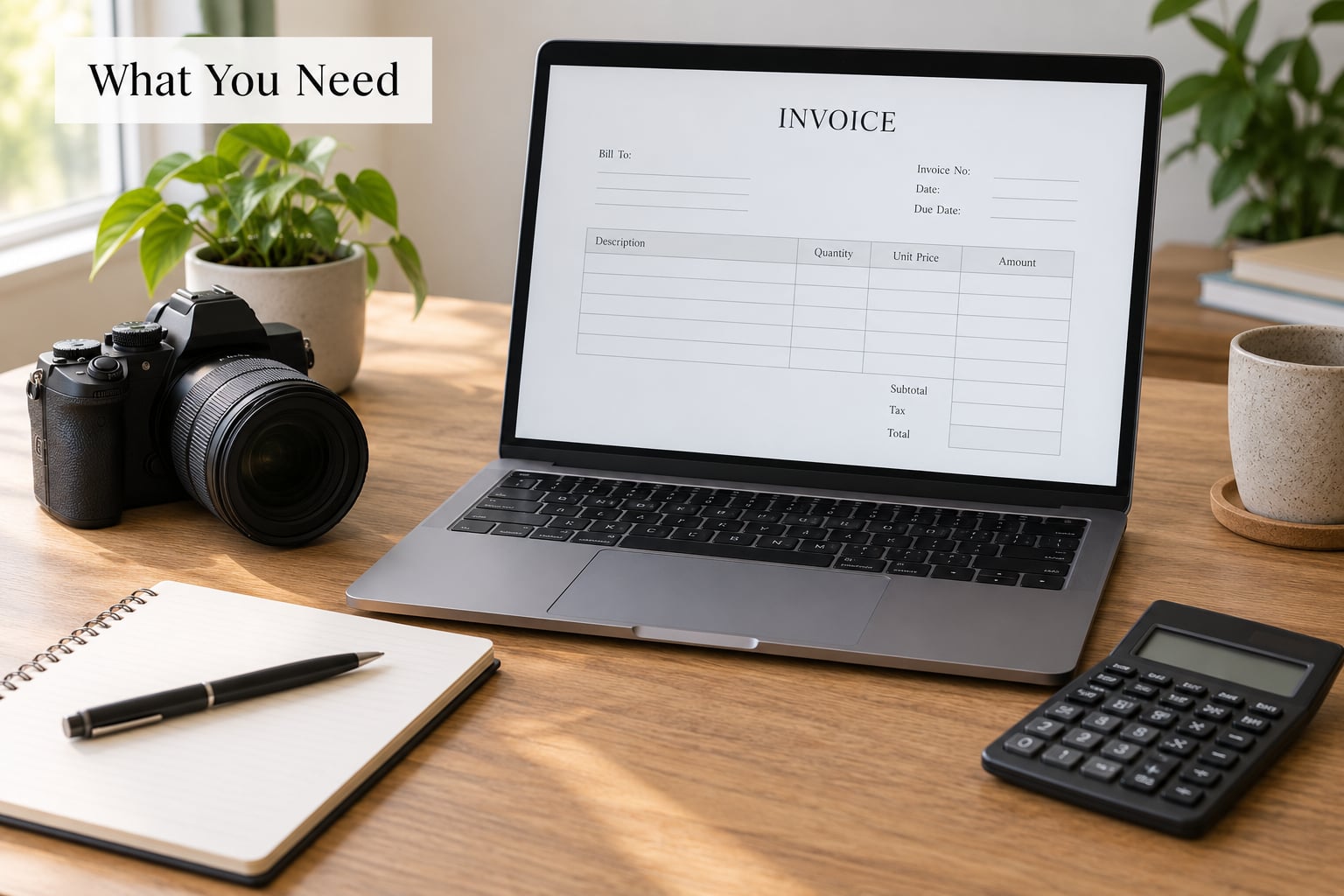
Gather these six blocks before you open your invoicing software. Anything missing from this list is something a client can question later.
- Your business details: business or legal name, business email, phone number, business address or service area, and your tax ID (EIN in the US) where your client needs it for their records.
- Client details: client name, company name, billing email, and billing address. Use the address that matches how the client will process payment, not a personal one they forgot to update.
- Invoice identifiers: a unique invoice number from your own sequence, the invoice date, and the payment due date written out as an actual calendar date.
- Project details: session or event date, the service performed, deliverables, and any agreed add-ons such as travel, prints, albums or gallery hosting.
- Money details: the agreed rate, the deposit already received and its date, any expenses you agreed to pass through, and the sales tax rate that applies where you are based.
- Terms: accepted payment methods, your late-fee wording, cancellation or rescheduling terms, and the usage rights granted with the images.
Two of these depend on where you shoot. Sales tax registration thresholds differ by state, and how a state treats digitally delivered images versus printed products is not uniform. If you work in several states or countries, that question deserves a professional answer before it ends up on an invoice.
Step-by-Step: How to Write a Photography Invoice
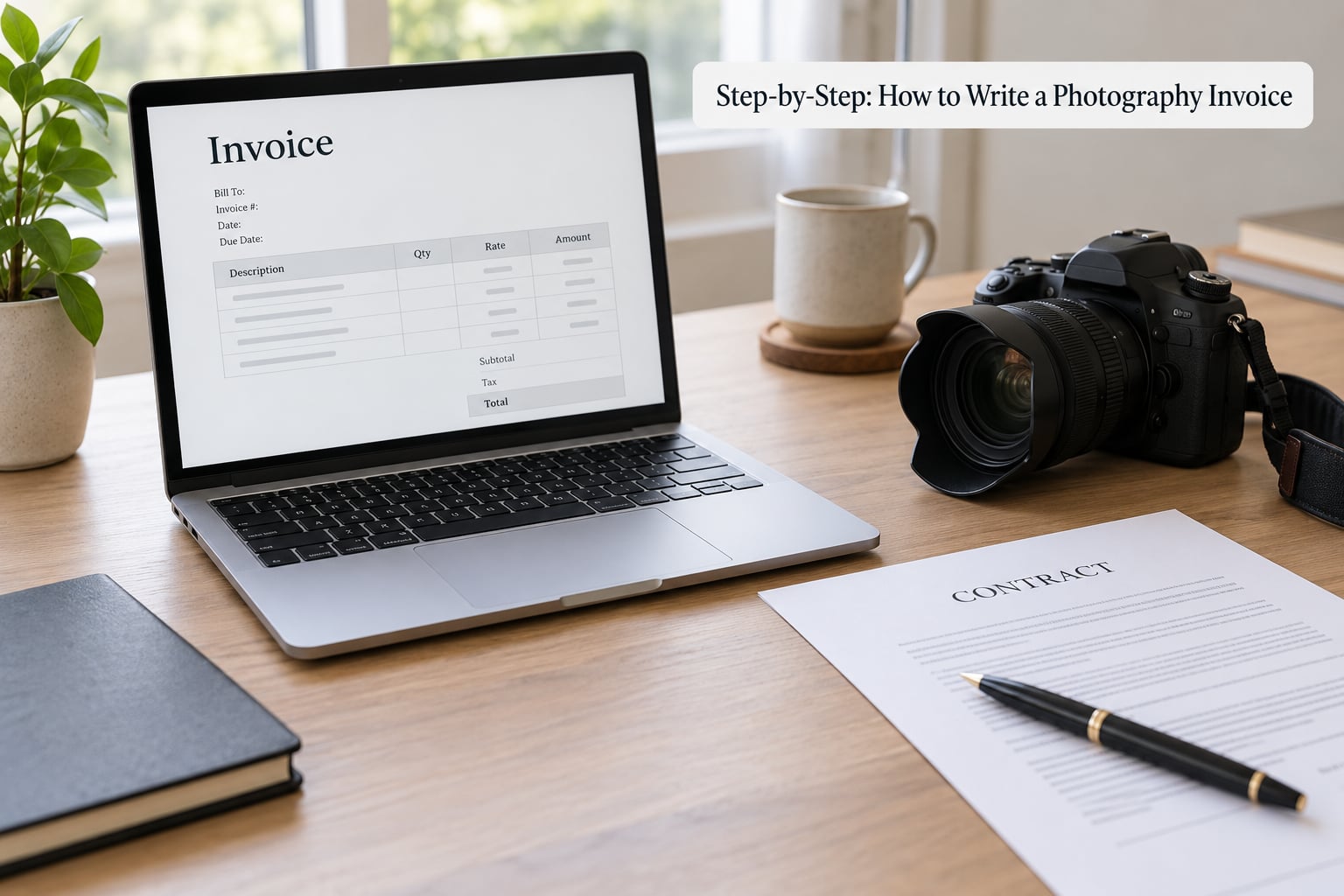
The process below takes about fifteen minutes per job once the template exists. Each step ends with a check, so you know it worked before you send.
Step 1: Confirm the Project and Pricing
Open the signed agreement or booking confirmation and pull the numbers from it rather than from memory. Match the session date, the service, the deliverables, the agreed rate, the deposit and the payment schedule. Then subtract the deposit from the total so the balance you invoice is what is genuinely outstanding.
Say the client booked a portrait session for 450.00 in your currency, paid a 225.00 deposit when booking, and added a 60.00 travel charge for a location forty miles out. The deposit line shows 225.00 received on the booking date as a negative amount, and the balance line shows 285.00 due before the session date.
Check: does every number on the invoice appear somewhere in the agreement? If the client later asks why the total changed, you want the answer in the contract, not in a text thread from four months ago.
Step 2: Add Clear Business and Client Details
The top of the invoice carries your name and contact details, then the client’s billing details, then the invoice number, invoice date and due date. This is the block an accounts payable department reads first, so keep it plain and uncluttered.
Write the due date as a calendar date rather than a term alone. “Invoice 2026-014, issued 1 October, due 15 November” removes the guesswork that “Net 30” creates on its own. Keep invoice numbers sequential and never reuse one, because those numbers are how you find a job in your accounting records eight months later at tax time.
Check: could someone who has never spoken to you find your email address and your client’s billing email on the page in under ten seconds? If not, tighten the header.
Step 3: List Services and Calculate the Total
Describe each service in plain language as its own line item. Vague descriptions are the single biggest source of invoice disputes, and a bundled “photography services” line hides the value of the work you actually delivered.
Here is a worked wedding invoice. Amounts are shown in your currency in the final column; nothing else in this table is a quote for your work, it is an illustration of how the arithmetic lines up.
| Description | Detail | Amount |
|---|---|---|
| Engagement session | 90 minutes, location shoot | 450.00 |
| Wedding day coverage | 10 hours, two photographers | 2800.00 |
| Second photographer | 8 hours | 900.00 |
| Travel and mileage | 180 miles at agreed rate | 126.00 |
| Online gallery hosting | 12 months, private gallery | 120.00 |
| Heirloom album | 20 by 20 inch, physical product | 350.00 |
| Subtotal | Sum of the lines above | 4746.00 |
| Sales tax | 8.875 percent, applied to tangible deliverables only | 31.06 |
| Total | Subtotal plus tax | 4777.06 |
| Deposit received | Paid at contract signing | 1500.00 |
| Balance due | Total minus deposit, due on delivery | 3277.06 |
Three details in that table do most of the work. The gallery hosting line shows the client what the delivery platform costs them, so it is not a surprise later. The deposit line proves you credited money already received. And the sales tax line applies only to the physical album, because how a state treats digital files differs from how it treats printed products.
Where the deposit sits matters too. Some photographers bill the deposit on its own invoice when the client books, then raise the balance invoice after delivery. Others keep both figures on one document and subtract at the bottom. Either approach works as long as the deposit is visible and the balance is unambiguous.
Check: add the line items by hand once and compare the result to the total on the invoice. That fifteen seconds catches the transposed digit that turns an awkward phone call into a simple correction.
Step 4: State Payment Terms and Send It
Say how the client can pay, how much is due, and by exactly what date. Name the methods you actually accept, such as card, bank transfer, or a payment link that handles the receipt for you. Then add a short note on what happens next: when the files arrive, and whether they arrive before or after payment clears.
Word the late fee so it can be enforced and so it cannot be challenged. A clause with a grace period and a cap tied to what local law permits is far safer than a punitive rate. Here is wording you can adapt:
A late fee of 1.5 percent per month, or the maximum rate permitted by applicable law if lower, applies to any balance unpaid after the due date. A seven-day grace period is allowed before the fee begins. Fees are not applied while a payment dispute is being resolved in good faith.
Save the invoice as a PDF so layout and totals cannot shift, and send it as an attachment rather than a link to a document the client can edit. Email it the same day the work is finished or the booking is confirmed, with a subject line that carries the invoice number and the project, so it is findable later.
Check: read the email body once as if you were the client. Can you tell the amount, the date and the payment action without opening the attachment? If not, put those three things in the body text.
Step 5: Track and Follow Up on Payment
Record each invoice as paid, unpaid or overdue the day you send it, and reconcile the payment against the contract and your accounting records when it lands. Keep the sent PDF and the payment confirmation together for every job.
Send one friendly reminder before the due date for larger balances. A reminder that lands after the date usually reads as a complaint instead, and clients dislike that as much as you do.
Hi Jordan, quick note on invoice 2026-014 for the Nguyen wedding coverage. The balance of 3277.06 is due on 15 November, and the payment link is at the top of the invoice. If anything on it looks off, tell me before then and I will fix it. Thanks, Sam
If the date passes without payment, work a simple ladder rather than one anxious email followed by silence. A top answer in the r/photography community recommends invoicing monthly and continuing to do so indefinitely, and the pattern is sound simply because each new invoice restarts the conversation:
- Day 3 after the due date: a short check-in asking whether the payment was sent, with the invoice attached again.
- Day 7: restate the late-fee clause and note that the grace period has ended.
- Day 14: a firmer note stating the exact outstanding amount and that the delivery or editing hold described in your terms is now in effect.
- Day 30 and monthly after: keep issuing a statement for the balance until it clears, and keep the record.
The enforcement habit many photographers describe is simple: no editing and no final delivery until the balance clears. Put that rule in your terms before the job starts, because it is much harder to apply afterwards without it looking like a surprise.
Check: does your accounting file or your inbox let you answer “which invoices are overdue” in under a minute? If not, review them weekly on a fixed day.
Common Mistakes
Almost every late-payment problem traces back to something that was missing or vague on the document. These are the ones I see most, each with the fix.
- No invoice number, or a reused one. Fix: assign sequential numbers and never restart, even after a software migration.
- One bundled line for everything. Fix: separate shoot hours, edited image count, travel, prints, hosting and licensing into their own rows.
- “Net 30” with no calendar date. Fix: write both the term and the date the money is actually due.
- Sending an estimate labelled as a final invoice. Fix: mark documents clearly as estimate, deposit invoice, balance invoice or final invoice.
- Forgetting to credit the deposit. Fix: show the deposit as a dated line so the balance is provable.
- Hidden costs appearing after delivery. Fix: list travel, mileage, assistants, equipment rental and gallery hosting as agreed line items from the start.
- No usage rights anywhere. Fix: state on the invoice what the client may and may not do with the images, including any time limit.
- Sending an editable file. Fix: attach a flattened PDF and keep the editable copy in your own files.
- A total that does not add up. Fix: add the line items by hand once before sending.
Two habits cover most of the rest. Build the template once and stop rebuilding it per job, and put your terms in writing before the work starts rather than in the invoice afterwards.
Frequently Asked Questions
What should a photography invoice include?
Your business name, contact details and tax ID, the client’s billing name and address, a unique invoice number, the invoice date, an explicit payment due date, itemized service lines with quantities and unit prices, the subtotal, any sales tax, deposits already paid, the balance due, accepted payment methods, and your late-fee and usage terms.
Should a photography invoice show a deposit?
Yes, always show it. List the deposit as a dated line and subtract it from the total so the balance is unambiguous. Some photographers bill the deposit on its own invoice at booking, others show both figures on one document. Either works, as long as the deposit is visible and the balance due is stated.
How should I number photography invoices?
Use a simple sequential scheme such as an annual prefix followed by a running number, and never reuse a number, even across software changes. Sequential numbers make invoices easy to find at tax time and prevent double-billing the same client for one job. Keep the sequence in one place and let your invoicing software assign the next number automatically if you can.
How do I handle late payment on a photography invoice?
Send a friendly reminder before the due date, then follow a fixed schedule after it: check in at day 3, restate the late-fee clause at day 7, and issue a firm statement at day 14 with the balance and any delivery hold. After day 30, keep invoicing monthly. Set the terms and the late-fee wording in writing before the job starts, and check whether your state caps late fees.
Do I need to add sales tax to my photography invoice?
It depends entirely on where you are based and how the images are delivered. Photography services and digital files are treated differently across states, and physical products such as printed albums may be taxed separately from digital delivery. Registration thresholds also differ. Treat this as general guidance only and confirm your own obligations with an accountant or tax authority in your jurisdiction.
Should I send a photography invoice as a PDF or spreadsheet?
Send a flattened PDF. Layout and totals cannot shift, the client cannot edit the figures, and it prints and archives cleanly. Keep the spreadsheet or accounting file as your internal copy so the totals stay connected to your records, and include a payment link in the email body so the client can pay without opening the attachment at all.
Conclusion
Start with one thing: build a single template today with your business details, your payment methods, your late-fee clause and your usage terms already filled in. After that, learning how to write a photography invoice becomes the same short routine every time. Match the agreement, add the client and the next sequential number, break the work into line items, credit the deposit, set a real due date, check the total once by hand, and send a locked PDF the same day.